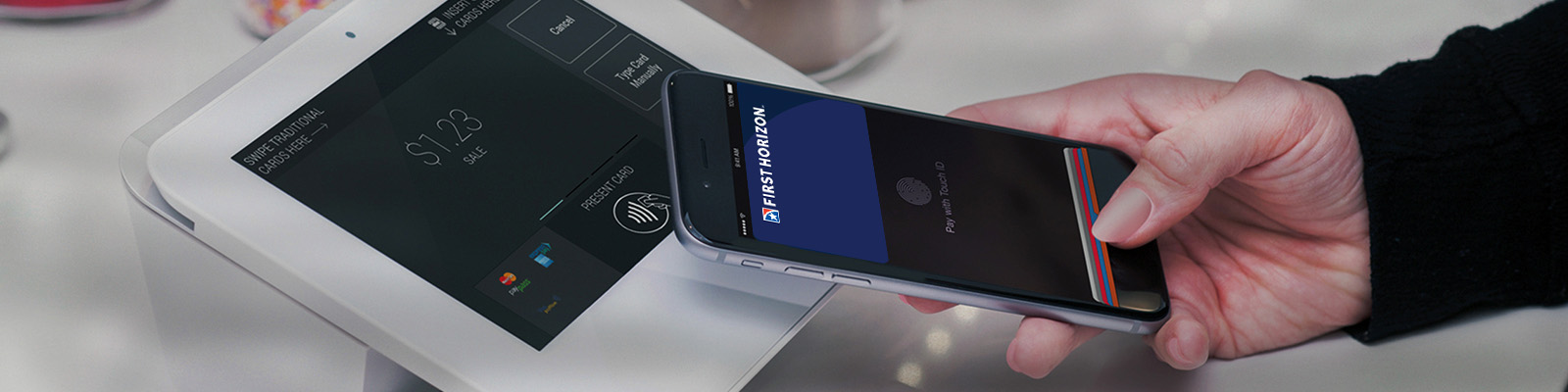
First Horizon Bank is proud to bring you the convenience of making purchases using your First Horizon Bank debit or credit card with Apple Pay®. You’ll enjoy all the same card benefits, with enhanced convenience and security.
- Convenience — with Apple Pay, you can leave your cards in your wallet
- Security — authorize payments with the touch of your finger using Touch ID™ or using your Camera for Face ID™
- Benefits — enjoy your same card benefits when you use your First Horizon Bank debit or credit card with Apple Pay
Get Started with Apple Pay
- Add your First Horizon Bank credit or debit card from your iTunes® account to your iOS device Wallet by simply entering the card security code.
- To add a new card, follow the instructions on the application and simply tap your card when instructed. You may also use your camera to enter your card information, or you can type it in manually.
- The first card you add automatically becomes your default payment card, but you can go to your Wallet anytime to pay with a different card or select a new default in Settings.
Once you've added your cards, look for one of these symbols at checkout to use Apple Pay.